How to design a coffee shop logo (free)
A good coffee logo feels warm, a little characterful, and still reads clearly on a cup, a sign, and a favicon. Here's how to design one for free — walked through with a real example, Northwind Coffee Roasters, set in Lumen Grotesk.
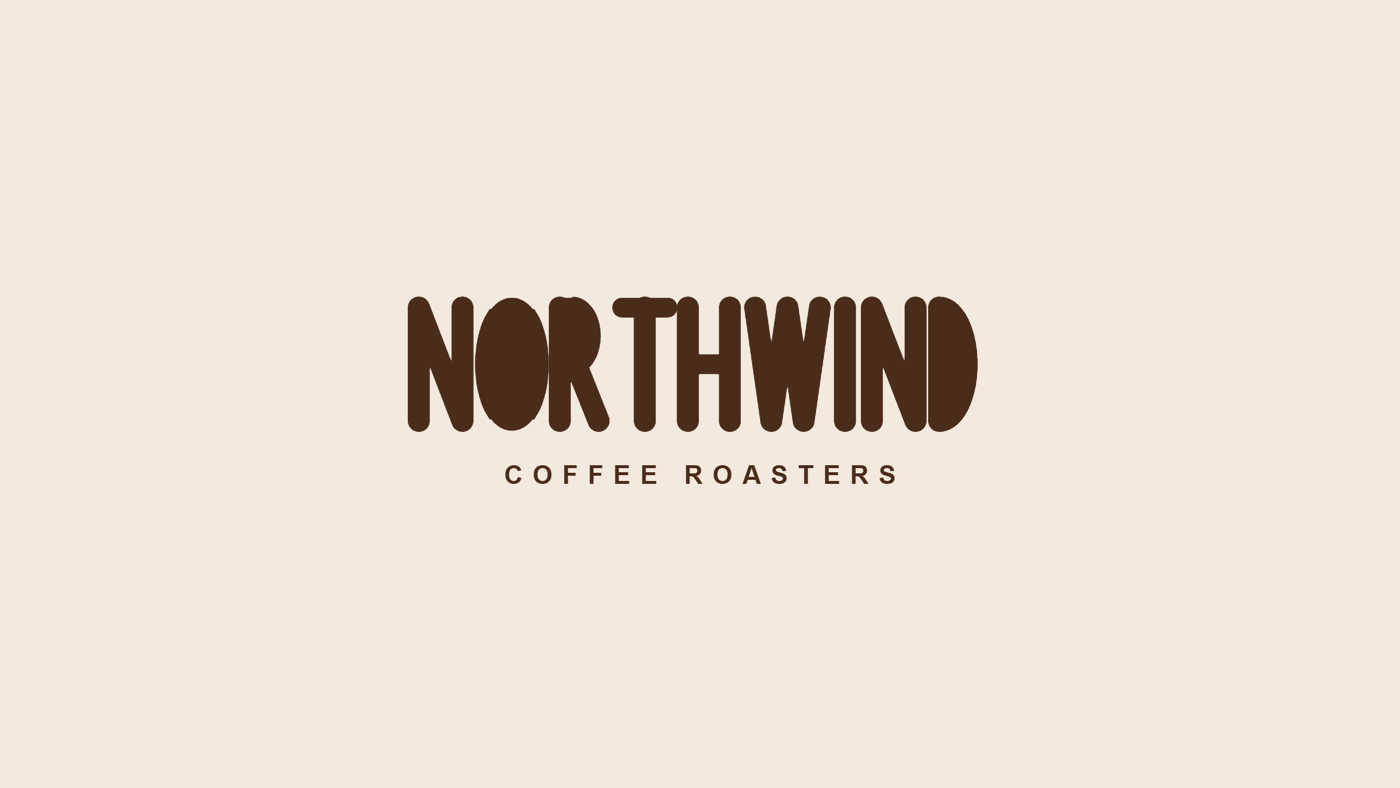
1. Choose a typeface with warmth
Coffee brands win on friendliness, so reach for a face with soft, rounded forms rather than sharp corners. A rounded geometric sans such as Lumen Grotesk gives you clean, modern letters that still feel approachable — exactly the balance a café or roaster wants. Write down two or three words for the mood first ("warm, honest, modern") and let that steer the pick.
2. Use an espresso-on-cream palette
Skip pure black on white. A deep espresso brown on a warm cream instantly reads as coffee and feels far more crafted. Keep a wordmark to two tones; you can add a single accent later for packaging. In the Northwind example the letters are a dark-roast brown on a soft oat-milk cream.
3. Stack the name over a spaced tagline
For a roaster or café, a stacked lockup works beautifully: the brand name large on top, then the category ("Coffee Roasters") smaller and generously letter-spaced beneath it. The spacing signals calm and quality, and the stack keeps the mark tidy on cups, bags, and signage.
4. Export for every surface
Download a PNG for the web and social, and an SVG for anything printed or large-format — menus, window vinyl, coffee bags — so it stays razor-sharp at any size. Both are one click in the logo maker.
Make your coffee logo free
Type your brand name, start from the Coffee shop preset (or any of ten typefaces), tune the colours, and download PNG or SVG. Free, no signup.
Open the logo maker →See this example on Pinterest: the Northwind coffee logo pin →. Using Lumen Grotesk for a real brand? License it from $39.