How to design a gym logo (free)
A gym logo has one job: look strong from across the room. Here's how to design one for free — walked through with a real example, Ironline Strength Club, set in Cargo Stencil.
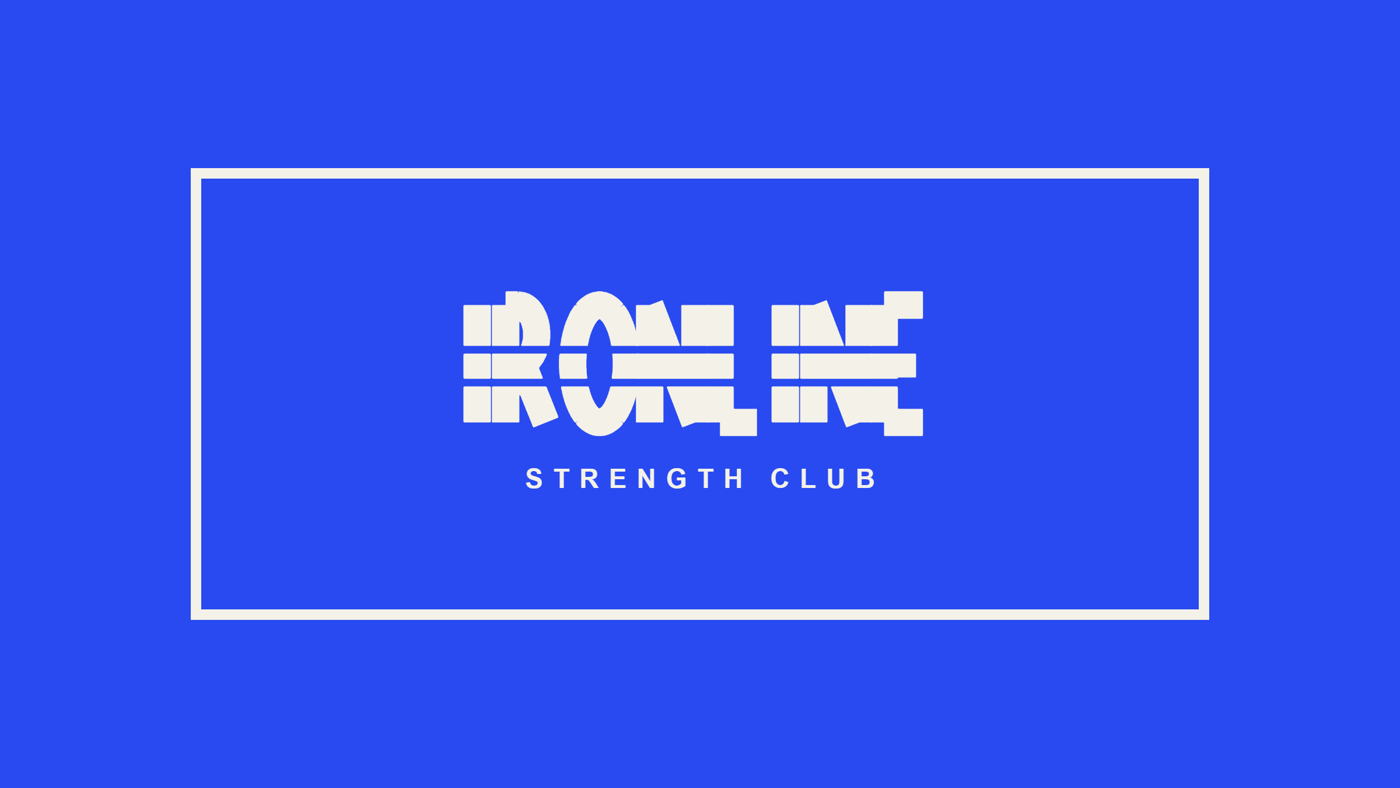
1. Pick a bold, high-impact typeface
Fitness brands trade on power and grit, so choose a heavy, industrial letterform over anything delicate. A stencil face like Cargo Stencil reads as strength and utility — the visual equivalent of stamped steel — and stays legible even at a distance, on a wall or a jersey.
2. Go high-contrast with colour
Two colours, maximum contrast. A light mark on a saturated field — here, cream on electric blue — hits hard on a phone screen and on a gym wall alike. Avoid soft, low-contrast pairings; a gym logo should feel like a switch flipping on.
3. Frame it in a badge
A bordered box turns a wordmark into a crest — it feels like a team, a club, something to belong to. Set the name in caps inside the frame, then add a spaced tagline ("Strength Club") beneath it to anchor the lockup.
4. Export for every surface
Grab a PNG for social and the web, and an SVG for large-format uses — apparel, signage, window vinyl, painted walls — so the mark stays crisp at any scale. Both are one click in the logo maker.
Make your gym logo free
Type your brand name, start from the Fitness preset (or any of ten typefaces), pick a badge layout, tune the colours, and download PNG or SVG. Free, no signup.
Open the logo maker →See this example on Pinterest: the Ironline gym logo pin →. Using Cargo Stencil for a real brand? License it from $39.
On Pinterest: the Cargo Stencil type specimen →